Visible area
Capture exactly what is on screen, then copy or save immediately.
Capture precisely. Keep everything private and searchable.When work begins, turn several screenshots into one traceable result.
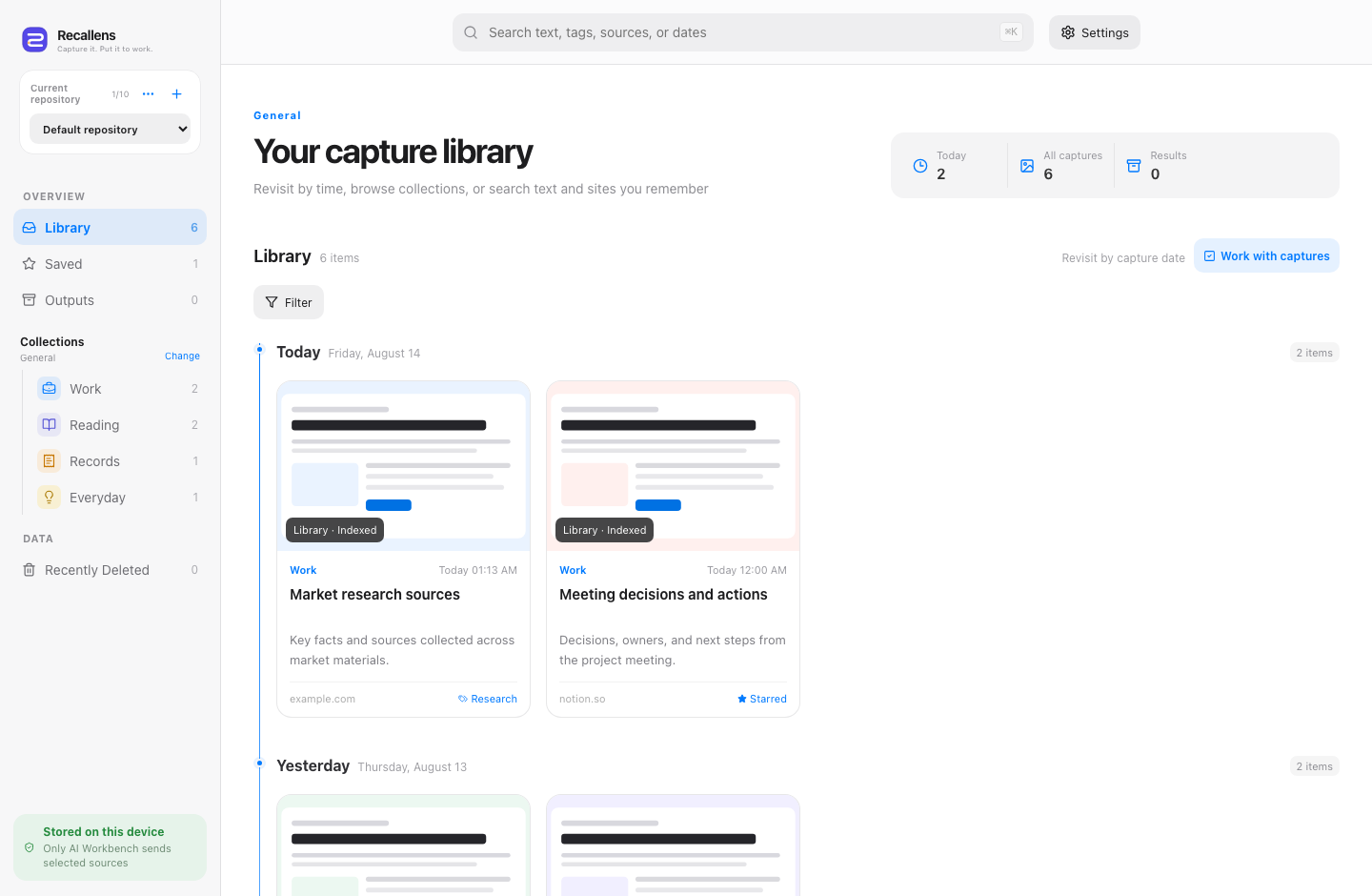
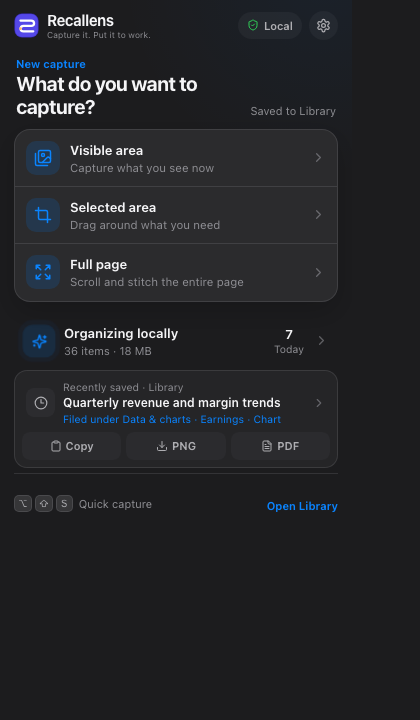
Capture first, decide what to do with it later. Every screenshot keeps its page title, URL, and time.
Capture exactly what is on screen, then copy or save immediately.
Drag over the part that matters without leaving the page.
Scroll and stitch long pages into one clean PNG or PDF.
Recallens reads normal webpages directly and runs local OCR only when text is trapped inside an image, Canvas, or scanned PDF. Every capture stays ordered by time and remains searchable by text, source, and date.
Pro is valuable before AI runs: separate work into libraries, file captures automatically, carry a source basket across collections, and create traceable local outputs.
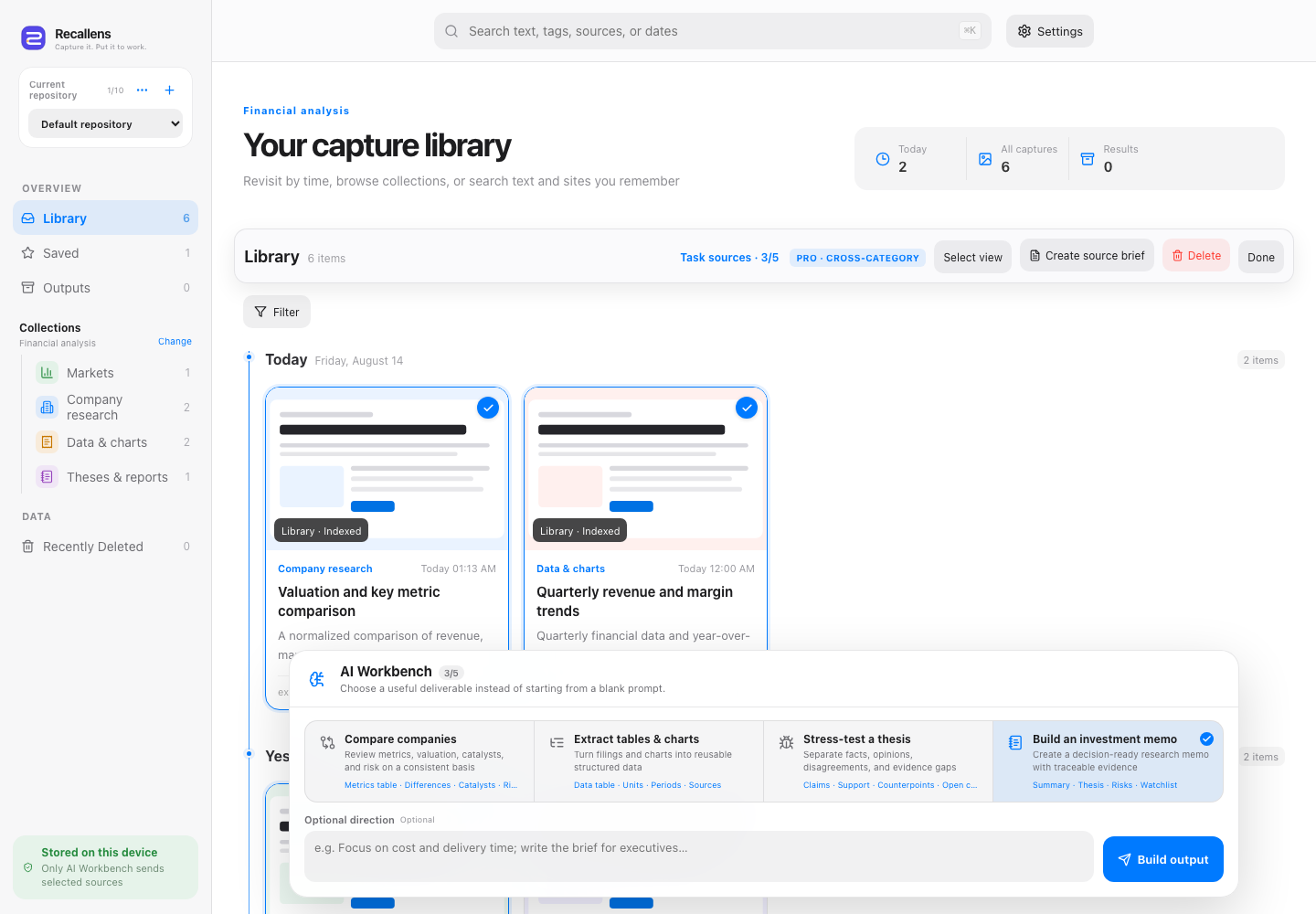
Keep up to 10 projects independent, each with its own captures, search, filing mode, and outputs.
Choose a finance, commerce, design, or general filing system and correct it whenever needed.
Select across collections, add unlimited keywords, and batch-delete or export original evidence.
Build a local source brief or optionally enhance it with AI; every result links back to its captures.
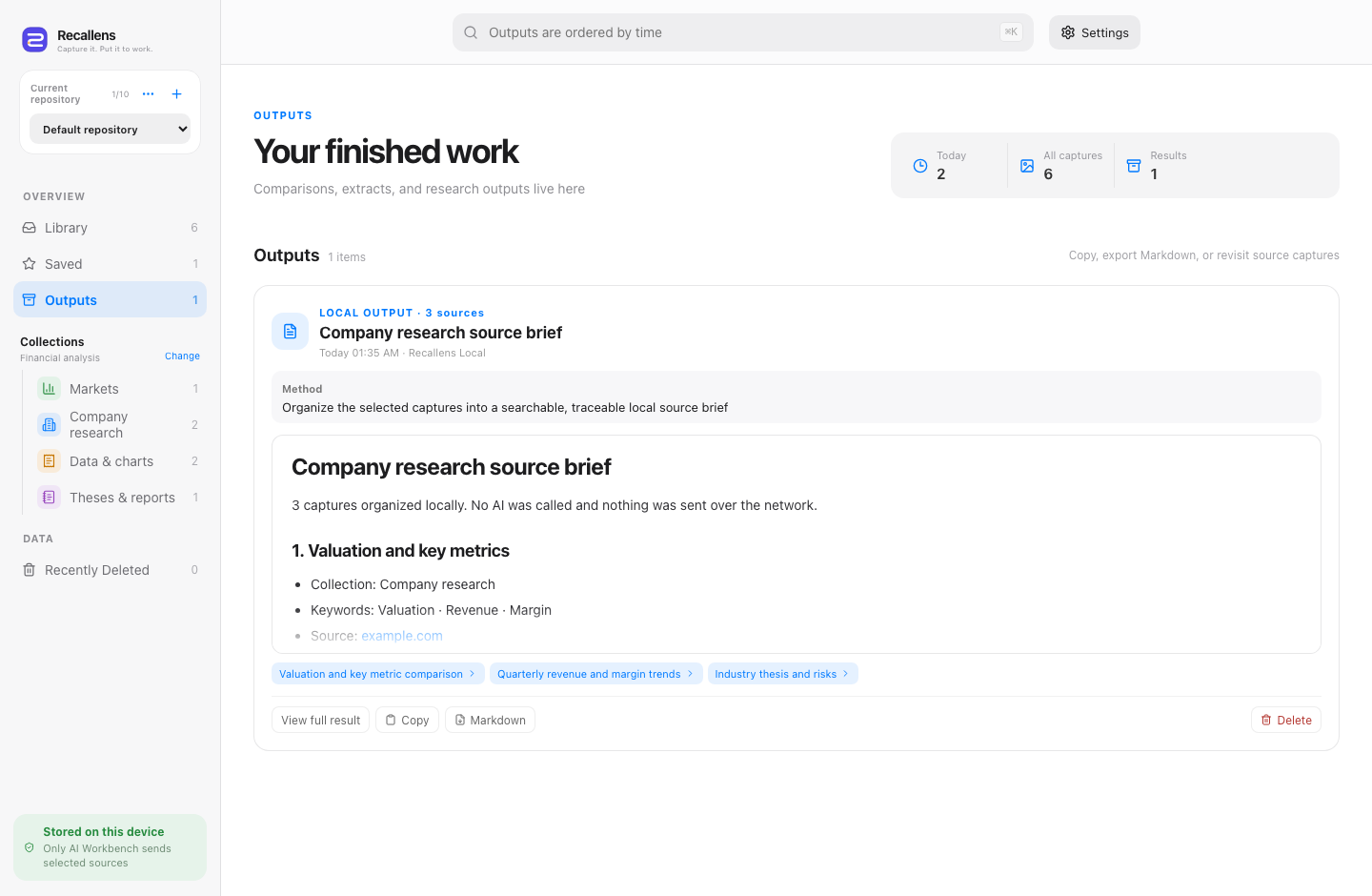
Captures, OCR text, tags, timeline, and finished work stay on your device. Pro organization still runs locally. Only an explicit AI task temporarily relays selected images to a privacy-restricted provider; Recallens does not persist the originals.
Reliable capture and recall in one private local library. No account required.
Deterministic organization and batch workflows, with AI included when useful.
Start with one screenshot. Build a library you can actually use.